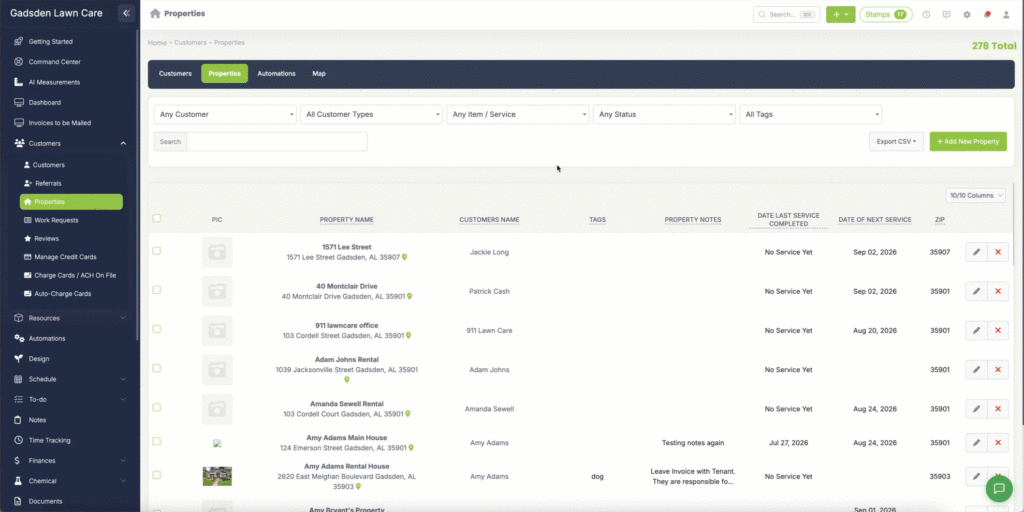
Property Tags
Property tags are a great way to organize and categorize your properties so you can easily filter and find them. You can tag properties by service type, location, priority, or anything else that helps you stay organized.
Note: Property tags are for internal use only and are not visible to your customers.
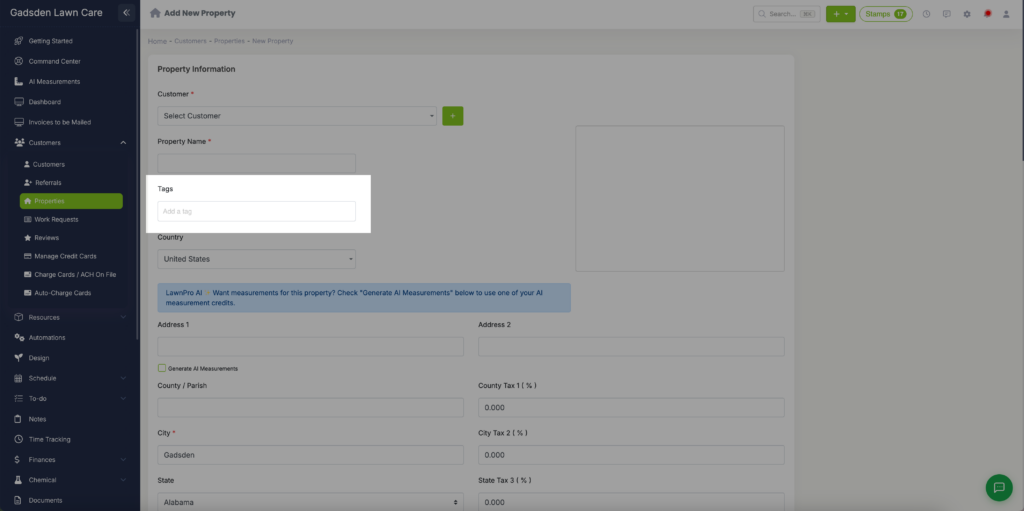
Adding a Tag to a New Property
- Go to the Customer Tab → Properties
- Click Add New Property
- Fill in the property details
- Add your tags in the Tags field
- Save the property
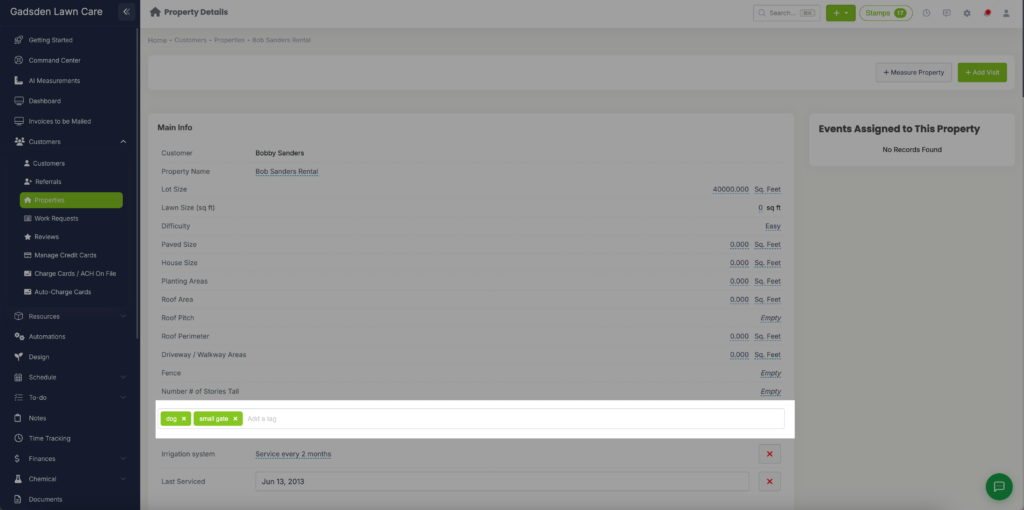
Adding or Editing Tags on an Existing Property
- Go to the Customer Tab → Properties
- Find the property you want to tag
- Click the pencil icon to edit the property
- Add or update your tags in the Tags field
- Save the property
Filtering by Tags
Once you have tags set up you can use them to filter your properties, visits, customers, and more. This makes it easy to find groups of properties quickly without having to search manually.