Write off a Customer
If you have a customer who owes you money and you’ve decided you’re never going to collect it — whether they’ve gone silent, disputed the charges, or you’ve just decided to move on — LawnPro lets you write them off cleanly without losing any of your records. In this video we’ll show you how to write off a customer with a balance remaining and how to view all your written off customers afterward.
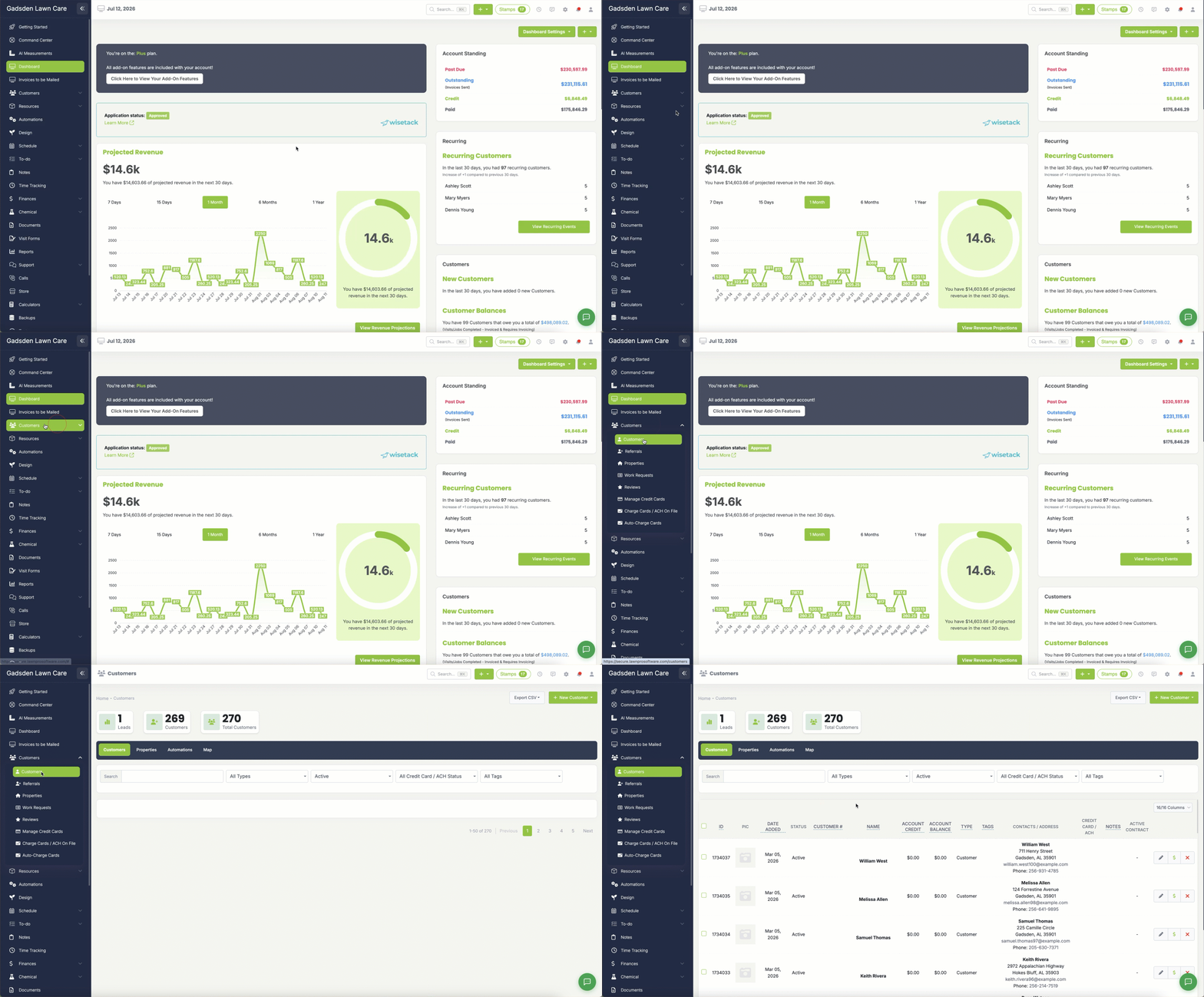
To write off a customer with balance remaining, click the Customer Tab>Customers.
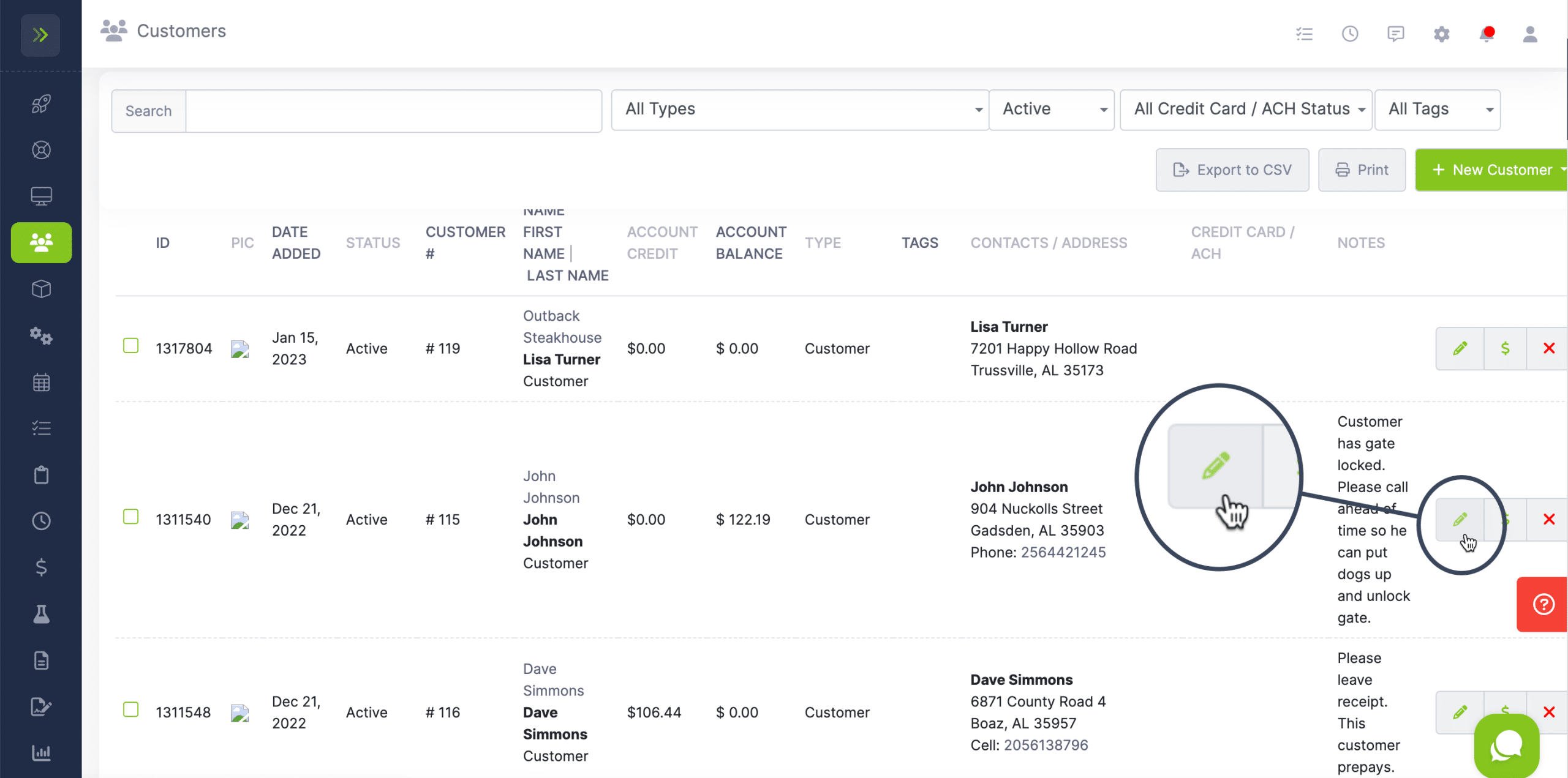
Find the customer you’re wanting to write off and click the pencil button.
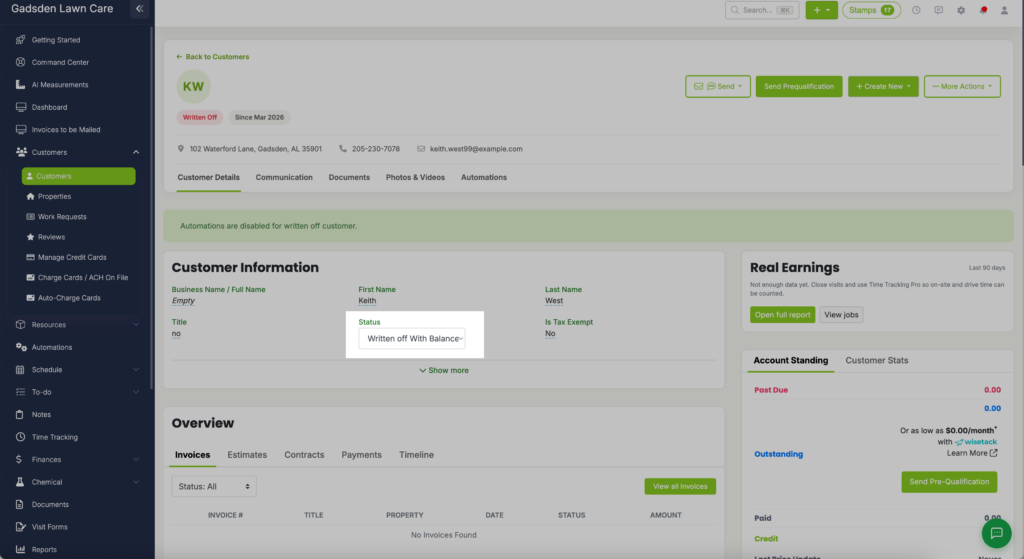
Once on the customer’s profile click on the first setting which is the “status” and select “Written off With Balance Remaining“
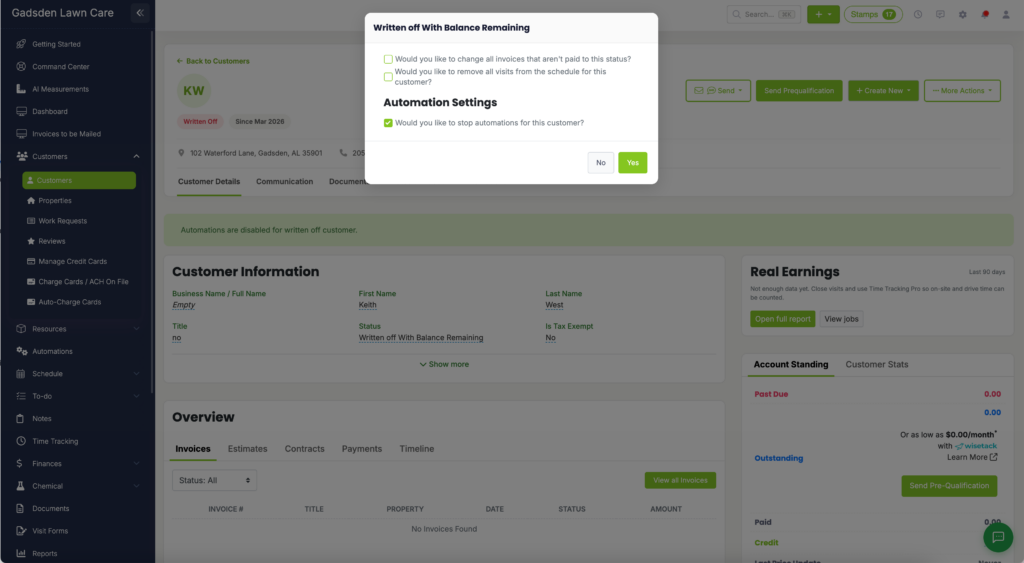
A pop up will appear and have two options.
-Would you like to change all invoices that aren’t paid to this status? (written off)
-Would you like to remove all visits from the schedule for this customer?
–Would you like to stop automations for this customer?
Select your answers and click “Yes“
If you change your mind, click “No“
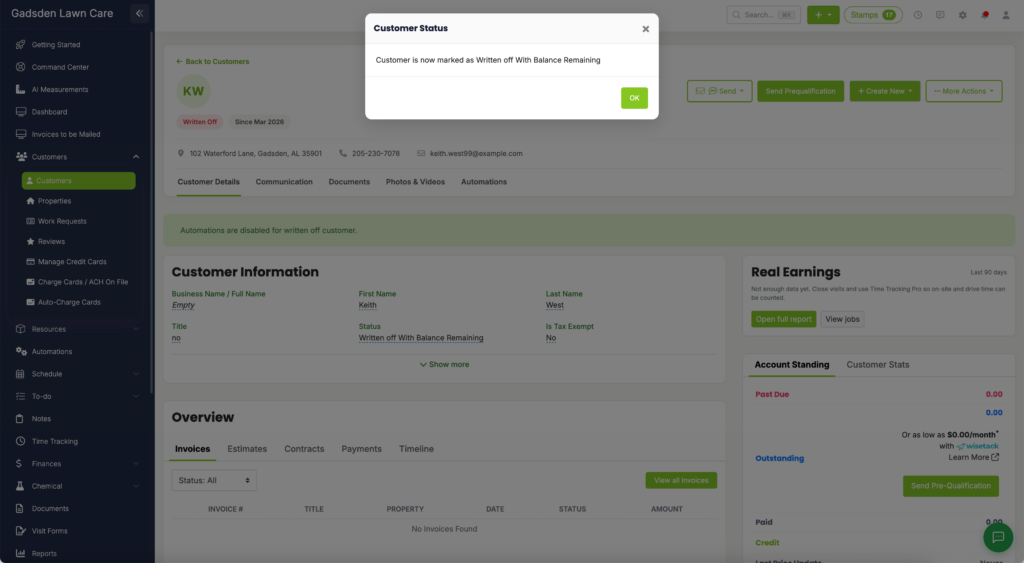
Once you click Yes, you will get a success message.
View Written Off Customers
To view the Written Off Customers, go back to Customer Tab>Customers
Change the Status filter to “Written Off“
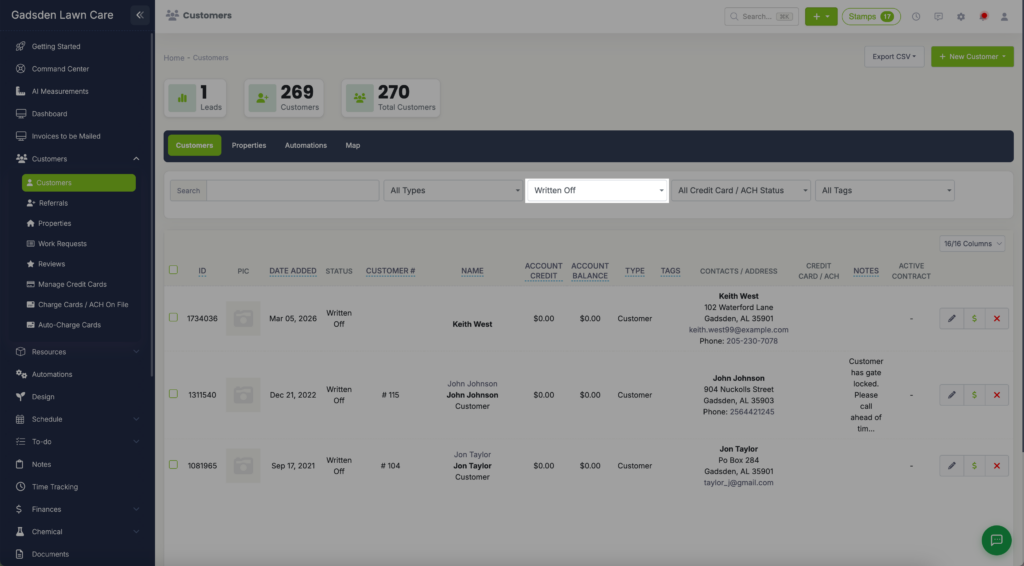
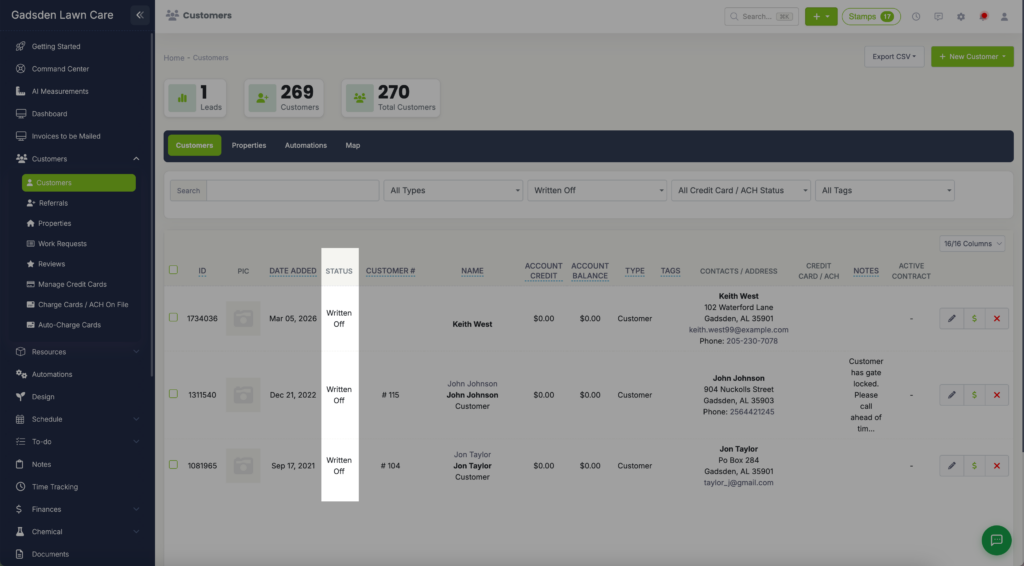
This will take you to all the customers with Written Off status.
Click here to learn how to generate a reports of the Customers you’ve written off with a balance remaining.