As your customer list grows, finding the right customer quickly becomes more important. In this tutorial, we walk through every filter and list management option available on the LawnPro customer page — so you can find, organize, and take action on your customers faster than ever.
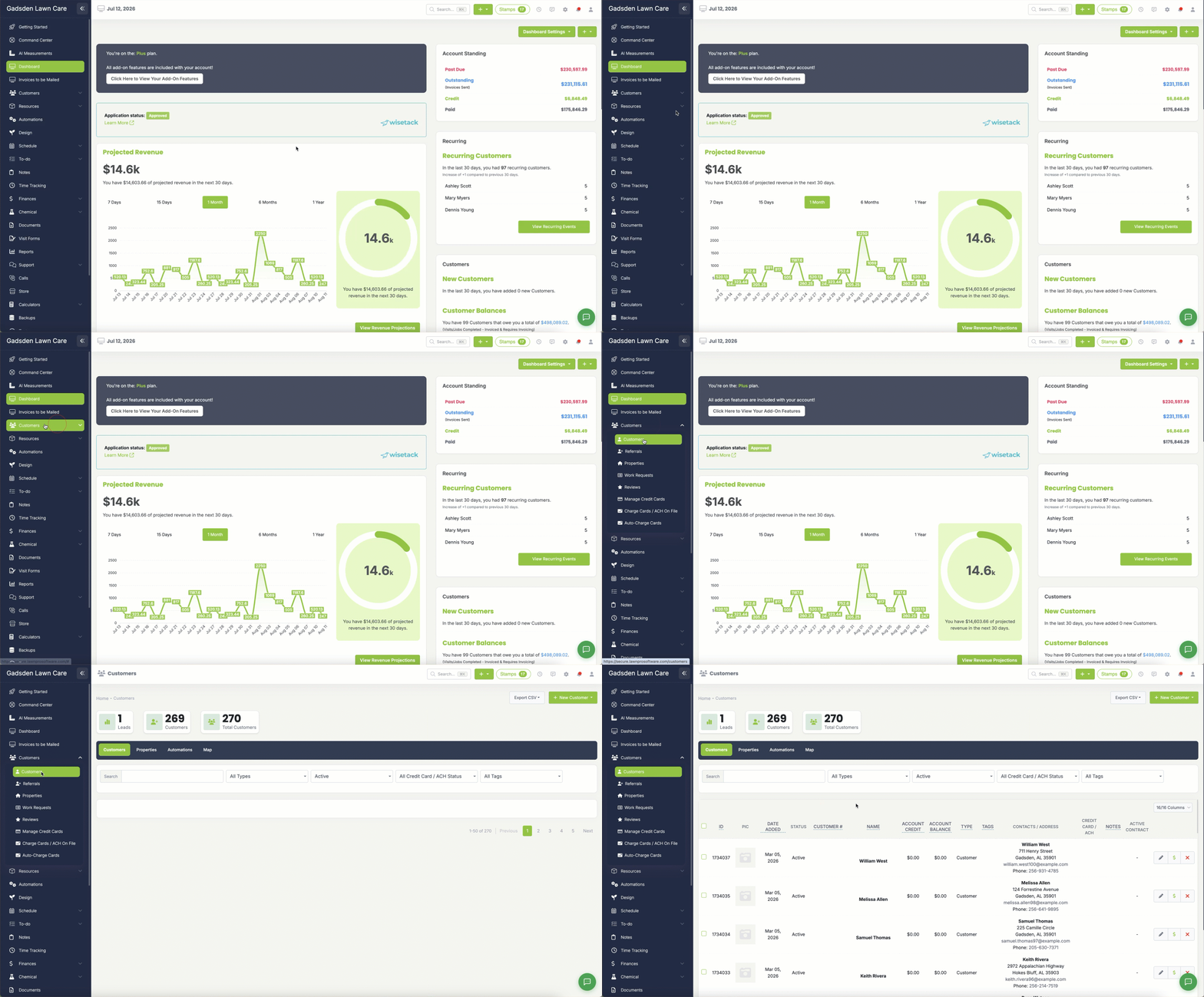
To get to your customer page, go to the customer tab>customers
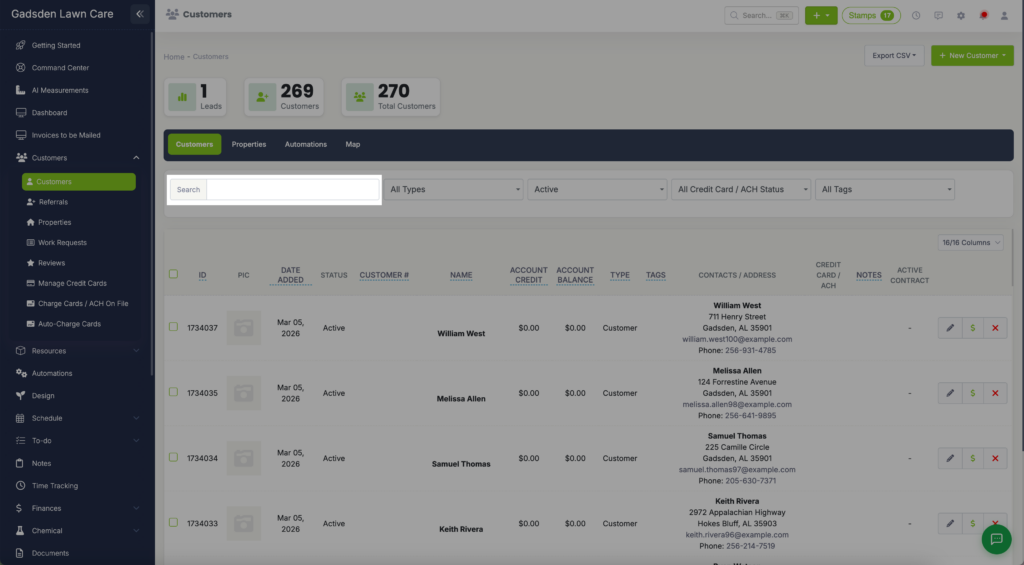
First, you can search for a customer using the search box. Start typing their name and you will see a bold customer name appear in the drop down if there is match.
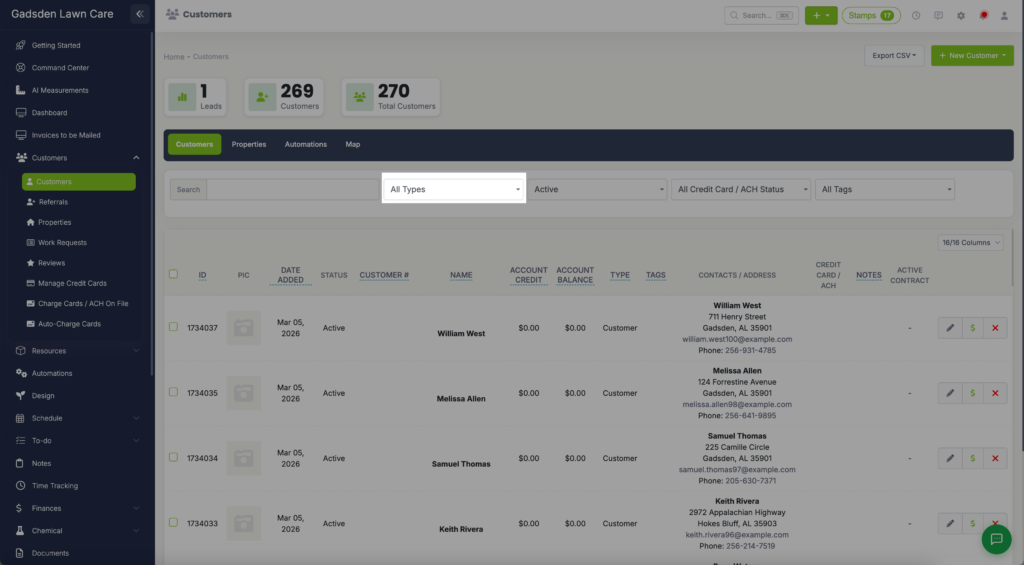
You can also filter by Customer Type
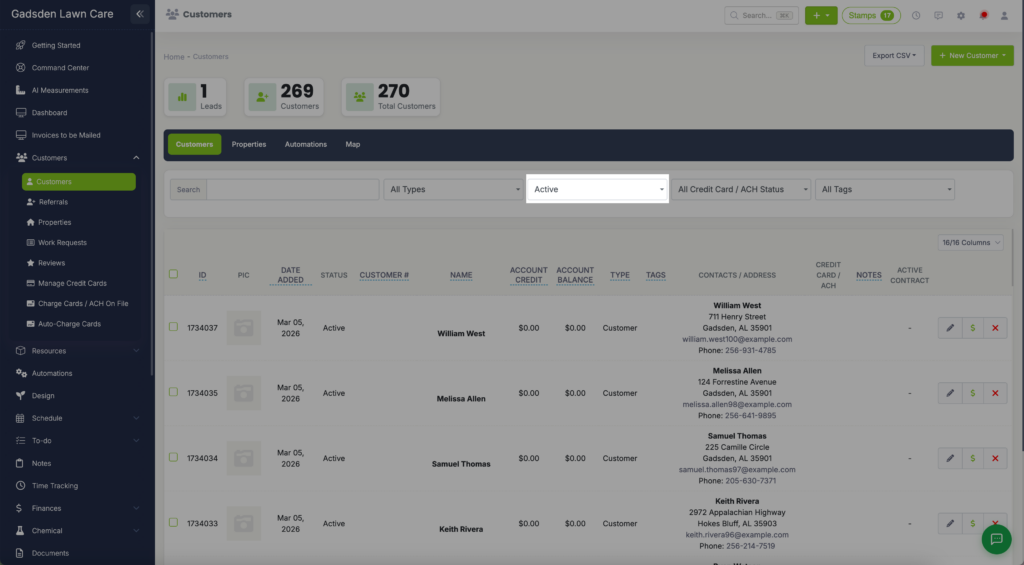
Next, you can filter by Customer Status
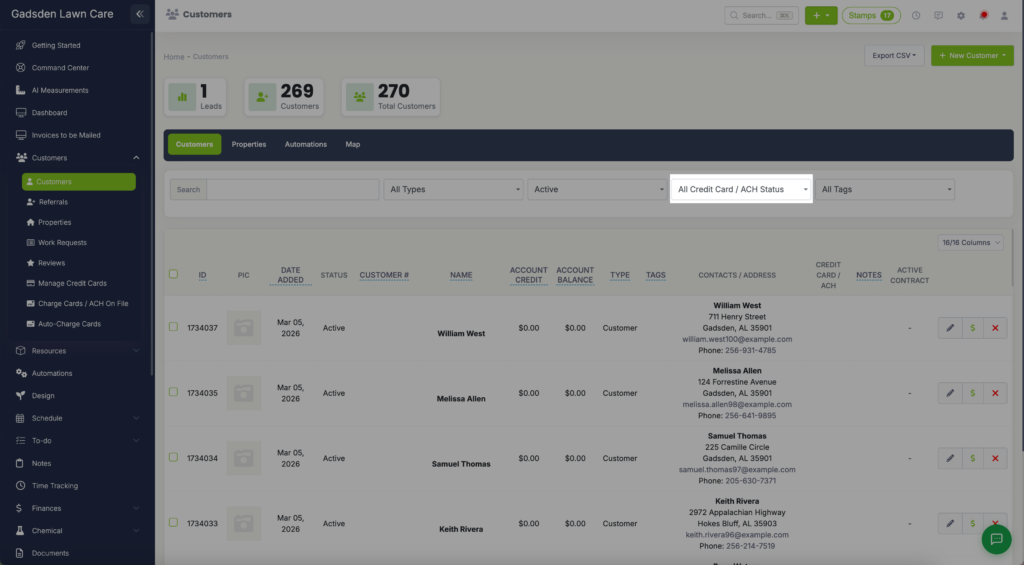
You can filter by Card/ACH Status
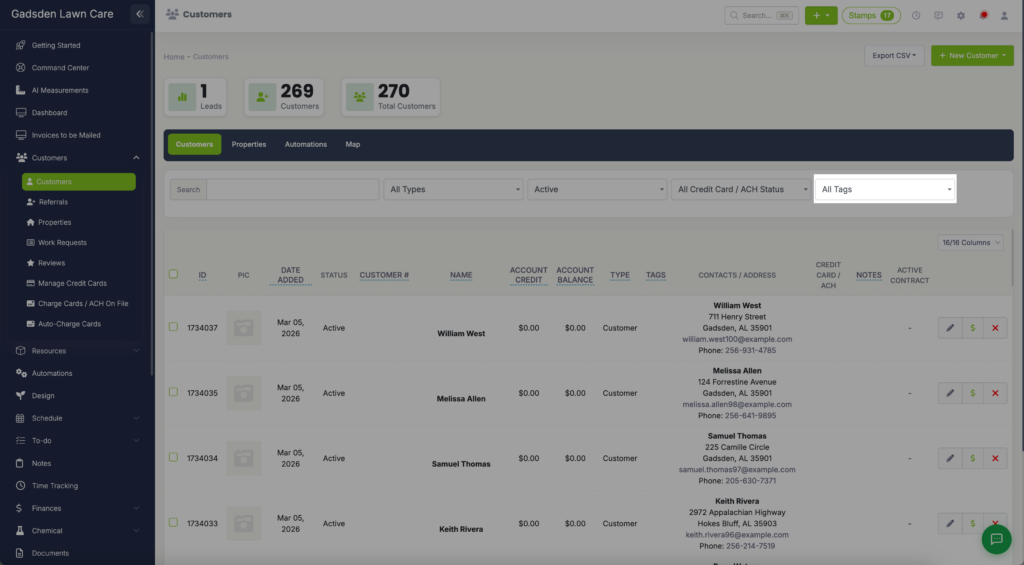
The last thing you can filter your customer list by is Tags